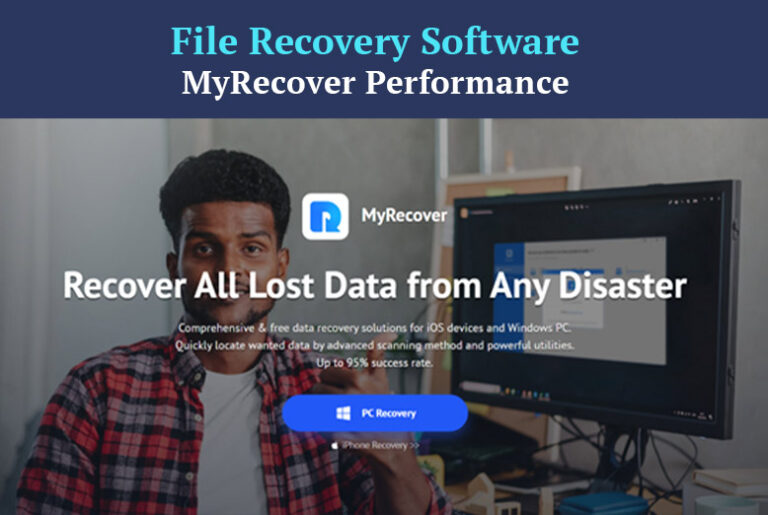
Anyone who has experienced data loss understands the value of data recovery. No one wants to lose valuable data. As one of the great file recovery software for Windows, MyRecover’s performance is better than other similar products on the market.
Does MyRecover meet all expectations? In this MyRecover Windows file recovery software review, we list for you its main features, testing procedures, and test results. Continue reading for more details on how to recover deleted data easily.
Overview and Highlights of MyRecover
MyRecover is a file recovery software that is both efficient and simple to use. It can recover lost data from a variety of storage media, including hard disks, USBs, memory cards, and more. Also, whether your data is lost due to accidental deletion, malware, or hardware failure, it can get data back quickly.
Highlights of MyRecover:
1. Simple to use
One of the most annoying features of data recovery software is its complexity. MyRecover provides a simple interface that simplifies the recovery procedure. It includes a clean look, a wider preview window, and straightforward navigation, ensuring that even the users can easily recover data.
2. Versatile file recovery
MyRecover can recover more than 200 data formats, including documents, emails, photos, videos, and audio files. This vast support makes it a useful tool for a wide range of data recovery jobs.
3. Comprehensive data recovery
MyRecover can handle data loss caused by accidental deletion, disk formatting, a virus attack, or even a system crash that causes startup troubles. The software can recover data from desktops, laptops, external hard drives, USB drives, and SD cards.
4. Performance and efficiency
MyRecover is based on powerful deep-scanning algorithms to find recoverable data that other programs may miss. Guaranteed data recovery rate of over 98%. Tests have shown that MyRecover can effectively perform a scan in 2-5 minutes, depending on the size of the storage media.
5. Compatibility and support
It works with the Windows operating systems including Windows 11, 10, 8, 7, and Server. For users who are stuck or have questions, MyRecover provides free technical support 24 hours a day, seven days a week, by phone or email.
Does MyRecover Work Well?
To thoroughly test MyRecover’s file recovery capabilities, we designed a common data loss scenario and performed file recovery. Explore the effectiveness, efficiency, and reliability of MyRecover recovered deleted files in Windows 10 through testing.
Test Conditions
We create data loss scenarios like accidental deletion: files like DOCX, JPG, PNG, MP4, MOV, AVI, MP3, 7Z, ZIP, etc. are deliberately deleted from the internal hard drive of the computer. Also, we emptied the Recycle Bin. Then, we download and install MyRecover from its official website to recover permanently deleted files.
Test Procedures
After launching MyRecover on a Windows PC, We hovered over the drive that saved the deleted files and then clicked Scan to start the scanning process.
The software automatically ran Quick Scan and Deep Scan to identify all recoverable files. After the scan was completed, we used the filter feature to quickly discover and evaluate the files before file recovery.
We picked the files to recover, such as MP4 videos, and then click Recover x Files. Next, we selected a new location to save the recovered data.
Check the integrity of the recovered files after the recovery is completed. So, let’s go to the new location where we saved it. The result is clear: MP4 videos can be recovered effectively.
Test Results
The recovered files were intact, with their original names, formats, and directory structures. In addition, the scanning speed exceeded our expectations.
We tried not just accidental deletion recovery, but also disk format recovery, external hard drive recovery, U disk recovery, and SD card recovery, and discovered that they were all effective and efficient.
The recovery success rate is as high as 98% and the scan time for a drive is approximately 4 minutes. Recovery is faster for simple data loss situations (such as deletion) and longer for more complex situations (such as a formatted drive).
Final Words
By knowing the main features of MyRecover and our test results, MyRecover is indeed a professional and easy-to-use file recovery software for recovering lost or deleted files in Windows. It can be your first choice when you face data loss scenarios such as deletion, disk formatting, and other complex situations that require data recovery.
Also Read: 6 Free Audio Recovery Softwares